What Is an E-Signature? Mobile Signature Difference
We explain the difference between an electronic signature and a mobile signature, how each one is obtained, and which one is used for e-invoicing, e-Devlet and similar transactions.
 Aurora YazılımEditorial team
6 min read
Aurora YazılımEditorial team
6 min read
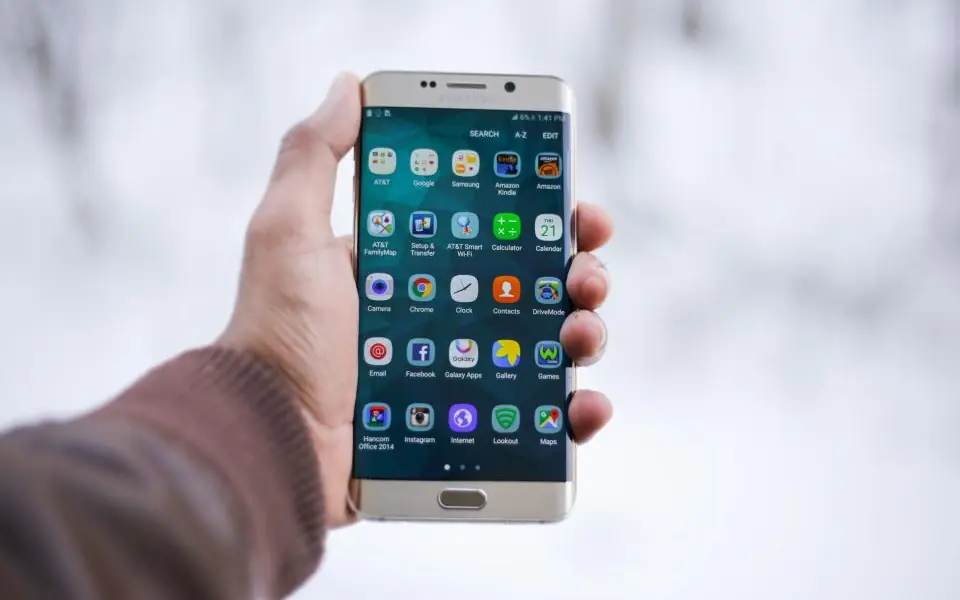
The short answer to “what is an e-signature”: it is digital data attached to an electronic document that verifies the identity of the signer. In Türkiye, a secure electronic signature has the same legal effect as a handwritten signature, except for the exceptions listed in the law. An e-signature used with a USB token or card is simply called an e-signature, while one used through the phone's SIM card is called a mobile signature.
What Is an E-Signature?
An electronic signature is data attached to, or logically linked with, electronic data and used to verify identity. In practice, it lets you sign a PDF contract, a petition or an application on your computer.
In Türkiye, the legal framework for electronic signatures is set out by Electronic Signature Law No. 5070. The secure electronic signature defined by the law is a signature that is linked solely to its owner, created with a tool under the owner's control, and based on a qualified electronic certificate.
These certificates are issued by electronic certificate service providers authorized by the Information and Communication Technologies Authority. In other words, an e-signature is not a file generated by a random app; it is a digital identity document issued to you after your identity has been verified.
How Does an E-Signature Work Technically?
Behind an electronic signature is public-key cryptography. Every signer has two keys: a private key that only they hold, and a public key that anyone can see. When a document is signed, its digest is encrypted with the private key.
The recipient verifies the signature using the public key. Verification proves two things: that this person really signed the document, and that not a single character has been changed since it was signed. This is an integrity guarantee that a paper signature cannot provide.
The private key is stored in a secure chip inside a smart card, USB token or SIM card in a way that cannot be copied to the user's computer. Signing requires access to this chip and its PIN code.
E-Signature vs. Mobile Signature
A mobile signature is the form of an e-signature used on a phone. The certificate is loaded onto a mobile-signature-compatible SIM card that you get from your mobile operator. When you need to sign, a confirmation message arrives on your phone and you sign by entering your PIN code.
Both can be based on a qualified certificate; the difference lies in how they are used and how portable they are. The table below gives a general comparison.
| Feature | E-signature (token / card) | Mobile signature |
|---|---|---|
| Carrier | USB token or smart card | Mobile-signature-compatible SIM card |
| Setup | Driver and signing software required | Usually no installation on the computer |
| Where it is used | The computer the token is plugged into | Anywhere your phone is with you |
| Where to get it | Electronic certificate service provider | Mobile operator |
| Watch out for | Token loss and driver compatibility | Line changes and SIM card renewal |
How to Get an E-Signature
The general answer to how to get an e-signature consists of a few steps. Details vary by provider, so check the current terms on the provider's official website when you apply.
- Choose an authorized electronic certificate service provider and fill in the application form.
- Complete identity verification; depending on the provider, this is done in person or with approved methods.
- Pay the certificate fee; it varies with the certificate's validity period and the type of carrier.
- When the token or card reaches you, install the driver and signing software published by the provider.
- Set your first PIN code and make a test signature to confirm the setup works.
For a mobile signature
For a mobile signature, you apply to the operator your line is registered with. You receive a mobile-signature-compatible SIM card and the certificate is loaded onto it. You must be the line owner yourself; for company lines, authorization and the application process may differ.
Where Is an E-Signature Used?
An electronic signature lets you complete many public and private sector transactions without visiting a branch. Common uses include:
- Applications and document approvals that require a signature on e-Devlet (the Turkish e-government portal).
- Case and petition filings in judicial systems for lawyers and citizens.
- Correspondence with the force of legal evidence through registered electronic mail (KEP).
- Taking part in public tenders electronically.
- Signing contracts between companies electronically.
- Document approvals in tax and accounting processes.
E-Invoicing and the Financial Seal (Mali Mühür)
A frequently confused concept in the e-invoicing world is the financial seal (mali mühür). An e-signature belongs to a natural person, while a financial seal is the electronic seal of a legal entity, that is, the company, and verifies the corporate identity on e-documents issued on the company's behalf. Sole proprietors who are natural persons can in some transactions use their e-signature instead of a financial seal.
For businesses that issue e-invoices through a private integrator, signing and transmission are mostly carried out on the integrator's infrastructure. That is why you do not need to plug in a token for every order when issuing e-invoices from your online store; the system creates the document through the connection set up with the integrator.
In Aurora Smart E-Commerce, the e-invoice integration is built into the store panel: e-invoice or e-archive invoice (Turkish e-invoicing) is determined by the buyer, and the invoice is created from the order screen. The accounting integration completes this flow by transferring invoice data to your accounting.
All of these connections run inside the e-commerce infrastructure without any intermediary integration software. Orders, invoices and accounting records move through the same data, so the same information never has to be re-entered in different programs and manual entry errors are largely eliminated.
Security Rules for Your E-Signature
Legally, an e-signature counts as a signature you made yourself. So handing your token and PIN code to someone else means giving them the authority to sign on your behalf. The habit often seen in offices of “leave the token with accounting” is a serious risk.
Fake e-signature renewal e-mails and SMS messages are also a common phishing method. When your certificate expires, go to the provider's official website yourself and do the renewal there; do not click links in messages. We covered these traps with examples in our article on what phishing is.
- Do not share your PIN code with anyone and do not write it on the token.
- Remove the token from the computer when you are not using it.
- Have the certificate revoked immediately if it is lost.
- Download the signing software only from the provider's official website.
- Keep your computer's operating system and security updates current.
Digital Identity and Web Security
An e-signature is the strongest part of your digital identity, but not the only part. Using unique, long passwords for e-mail, admin panels and bank accounts is fundamental; see our guide to creating strong passwords on this topic.
If you have a website where you collect signed documents, identity details or contracts from customers, processing that data falls under KVKK (Turkish data-protection law, comparable to GDPR). We explained how to set up forms, retention periods and privacy notices in our article on a KVKK-compliant website.
Your site's SSL certificate, server updates and backups should be monitored regularly as part of speed and performance management. If you want to move your document and approval processes into software built around your own workflow, we can work out the right setup together among the Aurora solutions.
Frequently Asked Questions
01Is a signature made with an e-signature the same as a handwritten one?
A secure electronic signature has the same legal effect as a handwritten signature, except for the exceptions listed in the law. For some transactions the law ties to an official form, and for exceptions such as guarantee contracts, an electronic signature may not be sufficient; consult a lawyer for such transactions.
02Can more than one person use the same e-signature?
No. An e-signature is personal, and every signature made with it counts as the certificate holder's signature. If several people in a company need signing authority, each of them must obtain a certificate in their own name.
03What happens when an e-signature expires?
New signatures cannot be made with an expired certificate, but signatures made during its validity period remain valid. Renewing through your provider before the expiry date prevents interruptions to your transactions.
04Do I need an e-signature to issue invoices from my online store?
In systems that work through a private integrator, you do not need to plug in a token for every invoice; signing is carried out on the integrator's infrastructure. Even so, an e-signature or financial seal may be requested during the contract and application stages with the integrator; consult your accountant for details.
E-signatures and mobile signatures speed up transactions and add a strong integrity guarantee to a document; however, they are personal and the PIN code must be protected like a signature. To run invoicing automatically with each order in your online store, take a look at Aurora's e-invoice integration.