What Should a Restaurant Website Look Like?
The structure of a restaurant website that opens fast on a phone, gets found in search and brings guests to the table, with a menu, location, reservations and a photo gallery.
 Aurora YazılımEditorial team
6 min read
Aurora YazılımEditorial team
6 min read
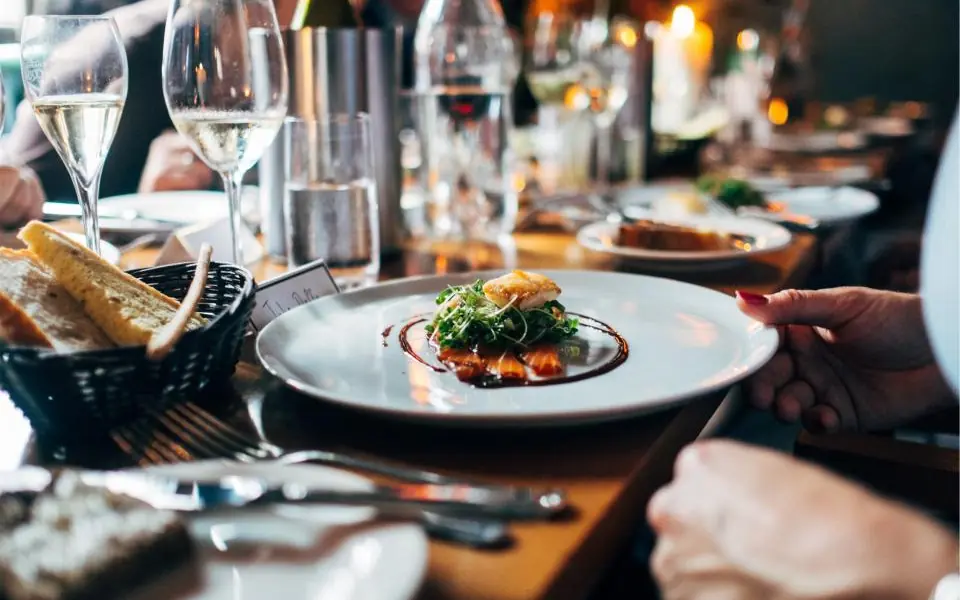
A good restaurant website opens in a few seconds on a phone and immediately answers the guest's four questions: what is there, where is it, when is it open, and how do I book. A current menu, a map and directions, tap-to-call, a way to reserve and real photos of the venue are the basic sections; the site should also be set up for local search.
Does a Restaurant Need a Website?
Many restaurants think an Instagram account and a Google Business Profile are enough. These channels matter, but both are platforms owned by someone else, and you do not set their rules or appearance. A restaurant website is the one address where your menu, contact details and story are entirely under your control.
The site also strengthens your other channels. The website link on your Google Business Profile, the link in your Instagram bio and the QR code on the table all lead to the same trusted address. Google also treats consistent address, phone and hours between the site and the profile as a trust signal.
The goal of a restaurant site is not to be read at length. Guests are often in a hurry and looking on a phone; the site should give them what they need within seconds. That is why, in the web design process, the first question should not be “how impressive is it” but “how fast does the guest find what they are looking for”.
The Must-Have Sections
The information guests look for most on a restaurant site is well known. It should be presented on the home page, without scrolling or reachable with a single tap.
- Menu: With categories and prices, readable on a phone; not a scanned PDF.
- Location: A clear address, a map and one-tap directions.
- Opening hours: Up to date, including changes on special days.
- Contact: A phone number that calls when tapped, and a messaging link.
- Reservations: A form, phone or booking tool; whichever it is, a clear path.
- Photo gallery: Real photos of the food and the venue.
- About: A short story, an introduction to the chef or family, and the kitchen's approach.
The Menu on a Restaurant Website
The restaurant website menu section is the most visited page on the site. The most common mistake here is scanning the printed menu and uploading it as a PDF. A PDF has to be pinched and zoomed on a phone, loads slowly and is not as well understood by search engines as a web page.
Presenting the menu as text, on a page divided into categories, is better for both guests and search engines. Product name, a short description, price and, if needed, allergen icons are enough. Feeding the website menu from the same source as the QR code menu you use at the table removes the hassle of updating prices in two places.
Menu layout affects sales too. We covered highlighting profitable items, price formatting and category order in our menu design article; you can find the basic advantages of a digital menu in what is a QR code menu.
Why Mobile Speed Is Critical
Most visitors to a restaurant site come from a phone; often they are on the road, hungry and impatient. That is why mobile compatibility and speed are the most important design criteria. A site that doesn't display properly on a phone or loads slowly sends the guest to the next search result.
Google uses Core Web Vitals metrics to measure page experience. The thresholds considered good are: largest content load time (LCP) 2.5 seconds or less, interaction response time (INP) 200 milliseconds or less, and visual shift (CLS) 0.1 or less.
What slows down restaurant sites
- Large, uncompressed food photos
- Heavy videos that autoplay on the home page
- Unnecessary fonts and third-party scripts
- Pop-ups that appear while the page loads and shift the content
What should you do?
Serving images at the right size in modern formats such as WebP, lazy-loading images below the fold and removing unnecessary scripts make the biggest difference. We explain this in detail on our responsive design and speed and performance management pages.
Reservations and Contact
The guest's next step after arriving on the site is either to call or to book. Keep that step as short as possible. The phone number should start a call when tapped, and the address should open the maps app when tapped.
There are several ways to take reservations: a simple form, the phone, a messaging link or a booking tool. Whichever you choose, tell the guest when they can expect a reply. A guest who never hears back after submitting a form won't try again.
If you collect names, phone numbers or e-mail addresses with a form, you need to add a privacy notice explaining how this data is processed. KVKK (Turkish data-protection law, comparable to GDPR) obligations can vary by business; check the current regulations and your legal adviser.
Photography and Design Language
On a restaurant site, photos speak faster than text. A strong image at the top of the home page showing the venue's atmosphere or signature dish lets the guest answer “is this place for me?” in a few seconds. Use real photos; stock images weaken the guest's trust.
The design language should reflect the identity of the venue. A rustic village breakfast spot and a modern cocktail bar should not have sites that look the same. When colors, fonts and photo style are consistent from the signboard to the menu, the site becomes a natural extension of the brand.
Keep the gallery section simple. A well-chosen set instead of hundreds of photos keeps the page fast and shows the venue at its best. The same principle holds for a cafe website: a few strong frames work better than a long album.
Structure for Local Search
Most restaurant searches are local: “pizza near me”, “breakfast” with a neighborhood name, or “seafood restaurant”. A few basic adjustments help the site appear in these searches.
- Use your cuisine type and location naturally in page titles and descriptions.
- Write your business name, address and phone number in the same format in the footer of every page.
- Use Schema.org Restaurant structured data to tell search engines clearly about your address, hours, cuisine and menu link.
- Publish the menu as text so you can also appear in searches for dish names.
- Point the website and menu links on your Google Business Profile to your site.
Should You Add Online Ordering?
For a restaurant that offers delivery, the site can become a channel where orders are taken too. This is one way to build an alternative to platform commissions, but it requires planning payment, delivery zone and order tracking from the start. We covered this decision in detail in our restaurant online ordering system article.
Even if you don't take orders, the core sections of the site are the same: a structure that opens fast, has a current menu, a clear location and easy contact. When you look at restaurant website examples, judge them by these four criteria; however impressive a site looks, one with no menu or one that loads slowly on a phone doesn't do its job.
Frequently Asked Questions
01How many pages should a restaurant website have?
For a small restaurant, a home page, menu, about, gallery and contact page are often enough. If there are multiple branches, an events calendar or online ordering, the number of pages grows with need.
02Is it wrong to upload the menu as a PDF?
It isn't wrong, but it is inefficient. A PDF is hard to read on a phone, loads slowly and is less suitable for search engines than a web page. You can offer a downloadable PDF if you like, but it is better to have the main menu on the page as text.
03Do I need a website if I have Instagram?
Instagram is strong for discovery and engagement, but on its own it may fall short for the menu, reservations and local search visibility. A website is the hub that connects all of these channels and is entirely under your control.
04What determines the cost of a restaurant website?
The number of pages, language options, how custom the design is, the need for a photo shoot, features such as reservations or ordering, and how the menu will be updated are the main factors that determine the cost.
A good restaurant website is built on a structure that opens fast on a phone, has a current menu, clear location and contact details, and is suited to local search. What matters is not showiness but that guests find what they are looking for in a few seconds. Explore our web design service for a fast, SEO-friendly website designed specifically for your restaurant, and consider our QR code menu solution if you want to manage your menu from one place for both the site and the tables.